Free Feature
Affirmations On Your Home Screen
See your daily affirmation every time you unlock your phone. Quick-start sessions, track your streak, and stay motivated with beautiful iOS widgets.
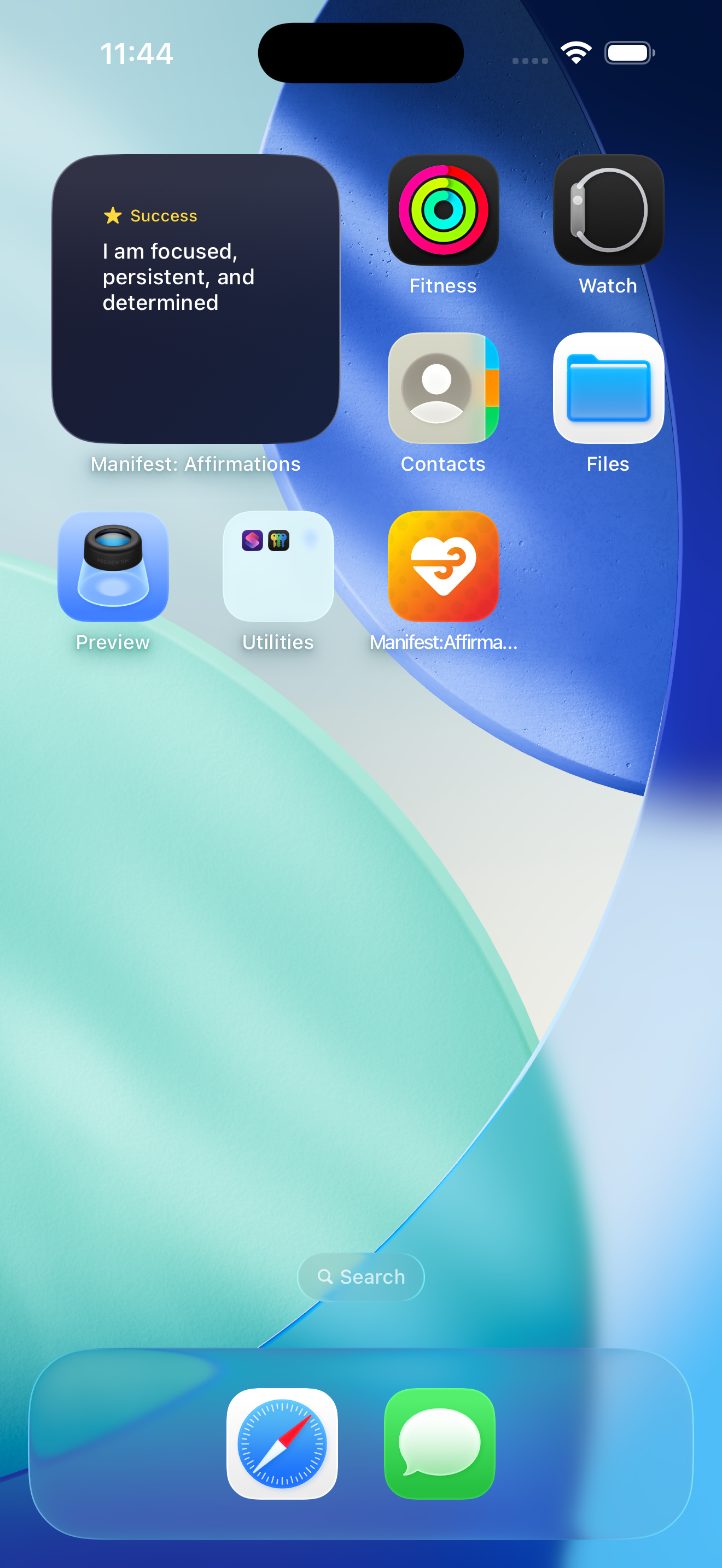
See your daily affirmation every time you unlock your phone. Quick-start sessions, track your streak, and stay motivated with beautiful iOS widgets.
Each widget serves a different purpose. Mix and match to create your perfect home screen.
See your affirmation or streak without even unlocking your phone.
Perfect for streak count
Show affirmation text
Above the time
Touch and hold an empty area on your iPhone home screen until the apps start to jiggle.
Tap the plus button in the top left corner to open the widget gallery.
Search for Manifest or scroll to find it in your app list.
Select your preferred widget size and tap "Add Widget" to place it.
Manifest includes 3 widget types: Affirmation of the Day (shows a daily affirmation), Quick Start (one-tap to start a session), and Stats Widget (shows your current streak and practice statistics).
Yes! All three widget types support Lock Screen placement on iOS 16 and later. You can add circular, rectangular, or inline widgets depending on the widget type.
Yes! All widgets are completely free. There's no premium paywall for widget functionality.
Yes! Widgets automatically update throughout the day. The Affirmation of the Day refreshes daily, and the Stats widget updates after each completed session.
The Affirmation of the Day widget automatically rotates through your affirmations. You can choose which categories to include when setting up the widget.
Download Manifest free and set up your widgets today.
Download for iOS